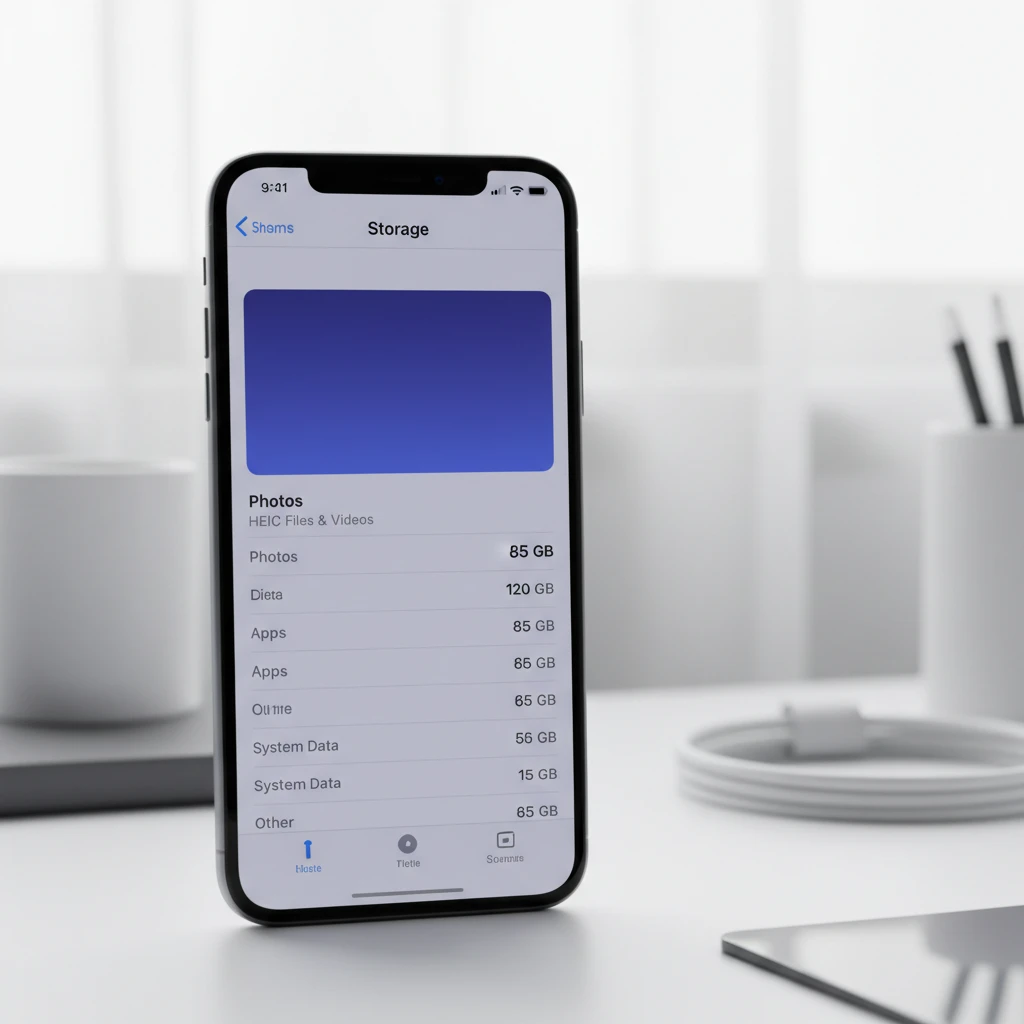
iPhone users worldwide face a common frustration: discovering that their photo library has consumed an alarming amount of device storage. Despite Apple’s introduction of the High Efficiency Image Container (HEIC) format, which was designed to reduce file sizes while maintaining image quality, many users still find their iPhones running out of space due to photo accumulation.
The HEIC format represents Apple’s attempt to modernize image storage on mobile devices. Introduced with iOS 11, this format typically produces files that are 50% smaller than traditional JPEG images while preserving superior image quality. However, the reality of daily usage tells a different story for countless iPhone owners who discover their devices slowing down or displaying storage warnings.
Understanding HEIC Storage Consumption Patterns
Modern iPhones capture images with increasingly sophisticated camera systems that produce high-resolution files. Even with HEIC compression, these files can range from 1-3 MB per image, depending on the complexity of the scene, lighting conditions, and camera settings used. Portrait mode photos, Live Photos, and images captured in challenging lighting conditions typically generate larger files.
The accumulation becomes problematic when users take dozens or hundreds of photos regularly. A typical iPhone user might capture 20-30 images daily, resulting in 60-90 MB of new photo data each day. Over months and years, this accumulation creates substantial storage pressure on devices with limited capacity.
Professional photographers and photography enthusiasts face even greater challenges. Their tendency to capture multiple shots of the same subject, experiment with different settings, and maintain extensive photo libraries can quickly overwhelm device storage. The situation becomes more complex when considering that iPhone cameras now support various formats including standard photos, Portrait mode, Night mode, and video recordings.
Technical Factors Behind HEIC Storage Issues
Several technical aspects contribute to unexpected storage consumption by HEIC files. The format’s efficiency varies significantly based on image content. Photos containing fine details, complex textures, or numerous colors may not compress as effectively as simpler images. Additionally, metadata embedded within HEIC files, including location data, camera settings, and editing history, adds to the overall file size.
Live Photos present a particular challenge for storage management. These capture a few seconds of video alongside the still image, effectively creating two files for each photo taken. While Apple markets Live Photos as a minimal storage addition, the combined impact across hundreds of images becomes substantial. Users often forget they have Live Photos enabled, unknowingly doubling their photo storage consumption.
The iPhone’s computational photography features also influence file sizes. Smart HDR, Deep Fusion, and Photographic Styles processing can result in larger files as the device preserves additional image data to maintain editing flexibility. These advanced features, while improving image quality, contribute to increased storage requirements.
Immediate Storage Recovery Strategies
iPhone users can implement several immediate strategies to reclaim storage space without losing precious memories. The Photos app includes built-in tools for identifying and removing duplicate images, which often accumulate when users take multiple shots of the same subject. Accessing the Albums tab and selecting “Duplicates” reveals images that can be safely merged or deleted.
Another effective approach involves reviewing and deleting screenshot accumulations. Screenshots, while useful for capturing information, often remain stored long after their purpose has been served. These images typically consume less space individually than camera photos but can accumulate significantly over time.
The Recently Deleted album serves as a safety net but also occupies storage space for 30 days after deletion. Permanently removing items from this album immediately frees up the associated storage. Users should regularly check this album to ensure deleted content isn’t unnecessarily consuming space.
Reviewing video content proves particularly valuable for storage recovery. Videos, especially those recorded in 4K resolution, consume substantially more space than photos. A few minutes of 4K video can occupy more storage than hundreds of HEIC photos. Identifying and removing unnecessary videos often provides the most dramatic storage improvements.
Optimizing Photo Settings for Storage Efficiency
Proactive storage management begins with optimizing camera and photo settings. Users can access these options through Settings > Camera > Formats and select “High Efficiency” to ensure HEIC capture. While most modern iPhones default to this setting, older devices or those restored from backups might revert to JPEG capture.
Disabling Live Photos for everyday photography significantly reduces storage consumption. Users can turn off this feature globally through Settings > Camera > Preserve Settings and toggle off “Live Photo.” Alternatively, they can disable Live Photos on a per-shot basis by tapping the Live Photos icon in the camera interface.
Adjusting video recording resolution provides another avenue for storage optimization. While 4K video offers superior quality, it consumes four times more storage than 1080p HD recording. Users should evaluate whether their typical video usage justifies the storage overhead of 4K capture.
Advanced Photo Management Techniques
Sophisticated users can implement advanced photo management strategies to maintain comprehensive libraries without overwhelming device storage. Creating a systematic approach to photo organization helps identify which images deserve permanent local storage versus cloud-only storage.
The concept of photo lifecycle management involves regularly reviewing and categorizing images based on their long-term value. Professional photographers often maintain only recent work and favorite images locally, while archiving older content to external storage solutions. This approach ensures immediate access to relevant photos while preserving complete archives.
Seasonal photo management represents another effective strategy. Users can identify photos associated with specific events, holidays, or time periods that don’t require constant access. These collections can be exported to computer storage or cloud services, then removed from the device to free up space for current photography needs.
Utilizing iCloud Photos Optimization
Apple’s iCloud Photos service offers a sophisticated solution for managing photo storage through its “Optimize iPhone Storage” feature. When enabled, this functionality automatically stores full-resolution images in iCloud while maintaining optimized versions locally. The system intelligently manages which photos remain in full resolution based on usage patterns and available storage.
Understanding how iCloud optimization works helps users make informed decisions about its implementation. The service monitors device storage levels and automatically removes full-resolution images when space becomes limited. Users can still view their complete photo library, with full-resolution versions downloading on demand when accessed.
However, iCloud optimization requires careful consideration of internet connectivity and data usage patterns. Users with limited cellular data plans or unreliable internet connections might experience delays when accessing cloud-stored images. Additionally, the optimization process requires sufficient iCloud storage capacity, which may necessitate upgrading from Apple’s free 5GB allocation.
Alternative Cloud Storage Solutions
While iCloud Photos provides seamless integration with iPhone photo management, alternative cloud storage services offer different advantages for storage-conscious users. Google Photos provides generous storage options and sophisticated search capabilities, making it an attractive option for users seeking comprehensive photo management tools.
These alternative services often provide automatic backup functionality while allowing users to remove local copies after cloud upload confirmation. This approach can dramatically reduce local storage consumption while maintaining access to complete photo libraries through dedicated applications.
Professional users might consider specialized photo management platforms that offer advanced organizational tools and sharing capabilities. These services often provide more sophisticated metadata management and collaboration features than consumer-focused solutions.
Manual Photo Export and Archiving
Traditional computer-based photo management remains a viable option for users seeking complete control over their image archives. Regular photo exports to computer storage provide permanent, accessible backups while freeing up device storage for current photography needs.
The process involves connecting the iPhone to a computer and using image transfer software or built-in operating system tools to copy photos to local storage. Users can then organize these archives using desktop photo management applications that offer more sophisticated organizational and editing capabilities than mobile alternatives.
External storage devices, including portable hard drives and USB flash drives, provide cost-effective archival solutions for extensive photo collections. These physical storage options offer the security of offline backups while providing virtually unlimited expansion capacity.
Monitoring and Preventing Future Storage Issues
Establishing regular storage monitoring routines helps prevent future storage crises. iPhone users should periodically review their storage usage through Settings > General > iPhone Storage, which provides detailed breakdowns of space consumption by application and content type.
The storage analysis tool offers recommendations for optimizing space usage, including suggestions for removing unused applications, clearing cached data, and managing photo libraries. Following these system-generated recommendations often provides significant storage improvements with minimal effort.
Setting up storage alerts or reminders can help users maintain awareness of their storage situation before reaching critical levels. Many users benefit from monthly or quarterly storage reviews where they evaluate their photo libraries and remove unnecessary content.
Understanding personal photography patterns helps inform storage management strategies. Users who frequently photograph events or travel should anticipate higher storage consumption during these periods and plan accordingly through pre-emptive cleanup or temporary cloud storage arrangements.
Hardware Considerations for Photo Storage
Future iPhone purchases should consider storage capacity requirements based on individual photography habits. While cloud storage solutions provide flexibility, having adequate local storage ensures smooth device performance and reduces dependency on internet connectivity for photo access.
Users with extensive photography needs might consider higher-capacity iPhone models or supplemental storage solutions. The cost difference between storage tiers often proves economical compared to ongoing cloud storage subscriptions, particularly for heavy photo users.
Professional photographers and content creators should evaluate their workflow requirements when selecting device storage capacity. The ability to maintain working photo libraries locally can significantly impact productivity and creative flexibility.
Troubleshooting Persistent Storage Issues
Some users experience storage issues that persist despite implementing standard photo management strategies. These situations often involve hidden caches, corrupted files, or system-level storage allocation problems that require more advanced troubleshooting approaches.
The iPhone’s “Other” storage category frequently contains cached photo data, temporary files, and system-generated content that doesn’t appear in standard photo management tools. Addressing these hidden storage consumers may require device restarts, cache clearing, or more comprehensive system maintenance procedures.
Corrupted photo files can occupy storage space while becoming inaccessible through standard photo applications. These files might require specialized recovery tools or system-level cleanup procedures to identify and remove effectively.
In extreme cases, complete device restoration might be necessary to resolve persistent storage issues. This process involves backing up essential data, performing a factory reset, and selectively restoring content while excluding potentially problematic files.
Understanding when to seek professional assistance helps users avoid data loss while resolving complex storage problems. Apple Support provides comprehensive resources and direct assistance for users experiencing persistent iPhone storage issues that resist standard troubleshooting approaches.
The balance between maintaining comprehensive photo libraries and managing device storage requires ongoing attention and periodic adjustment. By implementing systematic approaches to photo management, utilizing appropriate cloud storage solutions, and maintaining awareness of storage consumption patterns, iPhone users can enjoy extensive photography capabilities without compromising device performance or accessibility.